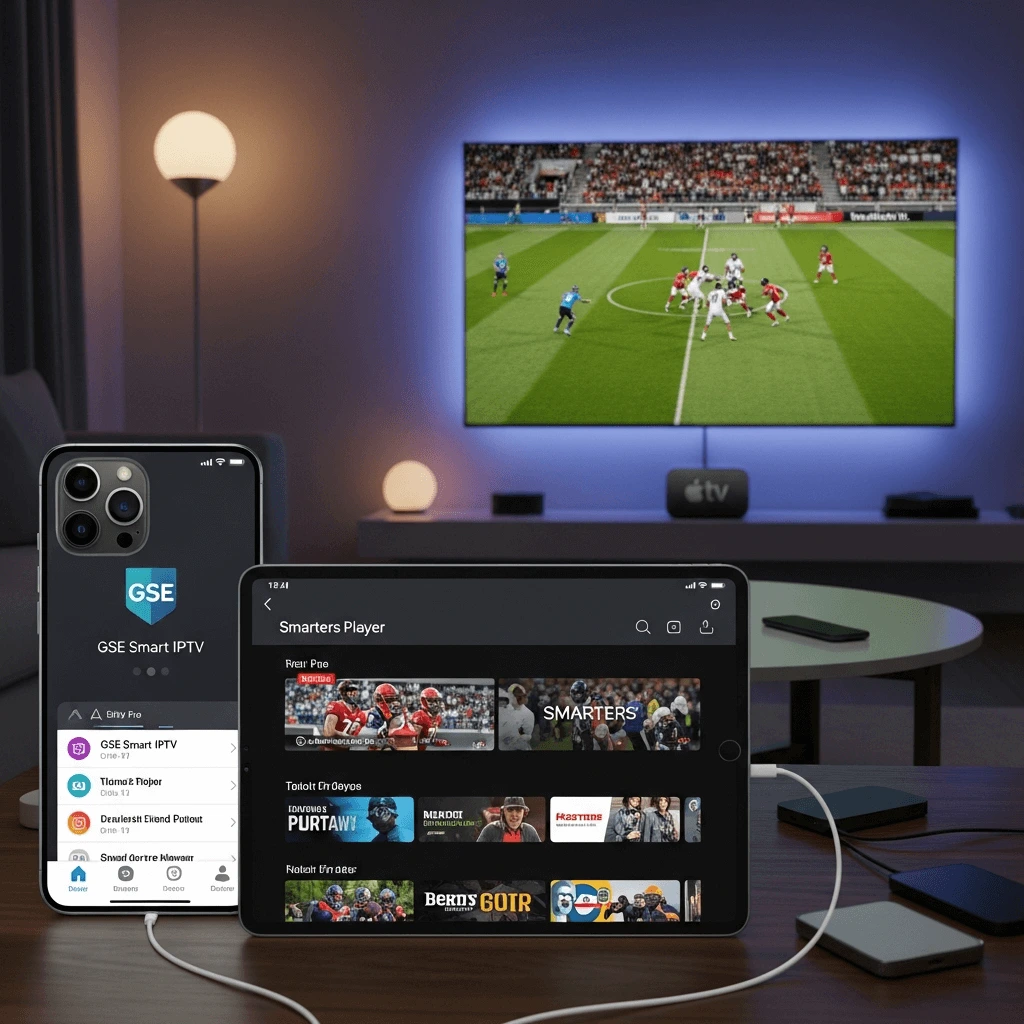
The Apple Ecosystem Guide: Setting Up IPTV on iPhone, iPad & Apple TV (2025)
Apple's "walled garden" makes IPTV trickier than Android, but not impossible. Here is how to install the best players, sync your playlist, and master AirPlay.
?š ? The "App Store" Reality Check
Unlike Android, you cannot easily "sideload" apps on Apple devices without complex jailbreaking. You must use apps available on the official App Store.
Important: Apple frequently removes IPTV apps. The famous "IPTV Smarters Pro" is often delisted and re-uploaded under different names. As of 2025, the most reliable version is often called "Smarters Player Lite" or "GSE Smart IPTV Pro".
Note: This guide assumes you already have your M3U link or Xtream Codes from Storuno.
Option 1: Smarters Player Lite (Best for Beginners)
This is the iOS version of the famous Android app. It is clean, user-friendly, and supports the "Xtream Codes" login which is faster to type than a long URL.
Installation Steps:
- Open the App Store on your iPhone/iPad/Apple TV.
- Search for "Smarters Player Lite".
- Download the app (it is free, with an optional Premium unlock).
- Open the app and accept the Terms of Service.
- Select "Login with Xtream Codes API" (Recommended).
- Enter the details from your Storuno email:
- Any Name: Storuno
- Username: (Your username)
- Password: (Your password)
- URL: http://line.storuno.shop (Example)
- Tap Add User.
?Ÿ’? Pro Tip: The "Lite" Limitation
The "Lite" version puts all movies and series into one big folder rather than organizing them. To fix this, you may need to pay a small one-time fee (usually ~$2.99) to unlock the "Master Search" and "Category Organization" features.
Read our Full Smarters Setup Guide ?†’Option 2: GSE Smart IPTV (Best for Power Users)
GSE is a more advanced player that supports multiple playlist formats and has better support for subtitles and audio track switching.
- Download GSE Smart IPTV from the App Store.
- Open the menu (top left hamburger icon) and select "Xtream Codes API".
- Tap the + icon in the top right.
- Enter a name (Storuno) and your login credentials.
- Tap Login.
- Crucial Step: If the channels don't load immediately, go to the app settings and find "Force Update EPG".
The Secret Weapon: AirPlay Casting
Why buy an Apple TV app when you have an iPhone?
Many Apple TV IPTV apps are paid or subscription-based. However, you can use the superior processing power of your iPhone to run the app and simply "cast" the video to your big screen using Apple's native AirPlay protocol.
How to AirPlay:
- Connect your iPhone and Apple TV to the same Wi-Fi network.
- Open Smarters or GSE on your iPhone.
- Start watching a channel or movie.
- Tap the video to reveal controls. Look for the AirPlay Icon (triangle with circles).
- If the app doesn't have the icon, swipe down from the top-right of your iPhone screen to open Control Center.
- Tap the "Screen Mirroring" icon (two rectangles).
- Select your Apple TV.
Zero Lag. Full 4K.
Data Saver Tips for Mobile Viewing
Streaming live TV consumes massive amounts of data (up to 3GB/hour for HD). If you are watching on 5G/LTE, follow these steps to prevent bill shock.
1. Use iOS "Low Data Mode"
Go to Settings > Cellular > Cellular Data Options > Data Mode. Select "Low Data Mode". This forces apps to reduce bandwidth usage where possible.
2. Select SD Channels
In your channel list, you will often see prefixes like [FHD], [HD], and [SD]. When on mobile data, always choose the [SD] version of the channel. It looks fine on a small phone screen and uses 70% less data.
3. Disable "Background App Refresh"
Go to Settings > General > Background App Refresh. Turn this off for your IPTV app. This prevents it from downloading EPG data when you aren't using it.
Quick Comparison: iOS IPTV Players
| App Name | Price | Pros | Cons |
|---|---|---|---|
| Smarters Player Lite | Free (Paid Unlock) | Most popular, familiar interface. | VOD organization locked behind paywall. |
| GSE Smart IPTV | Free / Pro $4.99 | Powerful subtitle & audio tools. | Interface looks dated/complex. |
| IPTVX | Subscription | Netflix-style UI, looks beautiful on Apple TV. | Expensive recurring subscription. |
Ready to Watch on Your iPhone?
Now that you have the app installed, you need a high-quality playlist to feed it. Storuno offers 15,000+ channels optimized for mobile and Apple TV viewing.