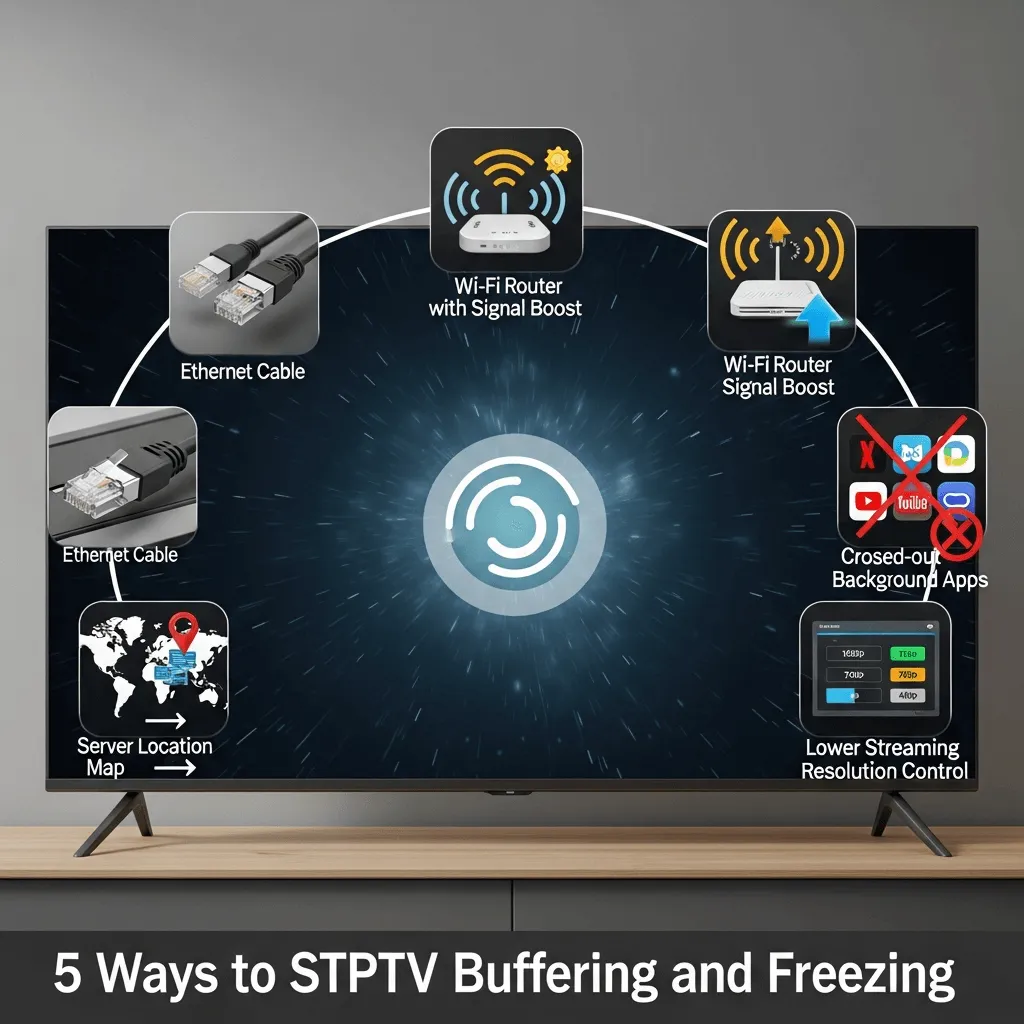
5 Definitive Ways to Stop IPTV Buffering and Freezing: The Ultimate Anti-Lag Guide for 2025
There is nothing more frustrating for a cord-cutter in the USA or Canada than the dreaded spinning wheel. If your IPTV stream keeps pausing, pixelating, or freezing, the problem is often multifaceted. It's rarely just one single issue; it can be a combination of weak network speed, ISP throttling, overloaded servers, or poor device configuration.
This comprehensive guide provides five quick, actionable, and technical fixes. We'll show you exactly how to bulletproof your home network and streaming device. By following these steps, you will eliminate 95% of typical buffering complaints and understand why switching to a premium anti-freeze provider like **Storuno IPTV** is the final, guaranteed solution for stability.
1. Prioritize Stability: Check Your Bandwidth, Latency, and Connections
The first step in solving any buffering problem is to establish a performance baseline. For stable IPTV, you need sufficient **bandwidth** and low **latency (ping)**.
Bandwidth Requirements (The Speed)
Run a speed test directly on the device you stream from (Firestick, Android Box, etc.). We recommend the following minimum sustained speeds:
- HD (720p/1080p Live): Minimum 15–20 Mbps.
- 4K / UHD Sports: 35–50 Mbps (This extra headroom prevents dips that cause freezing).
**The Golden Rule:** Always test on 5GHz Wi?Fi or **wired Ethernet**. If your results swing wildly or your Ping is over 50ms, **reboot your modem and router**. This clears memory leaks and re-establishes a clean connection with your ISP.
For a deep dive into achieving perfect latency for streaming, see our full guide on home network optimization: How to Optimize Your Home Network for Flawless IPTV Streaming.
2. Eliminate Throttling: The Non-Negotiable Need for a VPN
In North America, major ISPs like Comcast, AT&T, Rogers, and Bell implement **traffic shaping**. They can detect the consistent, high-volume data pattern of IPTV protocols and intentionally slow down your speed during peak hours. This is a primary cause of buffering, even if your speed test looks fast.
A **streaming-optimized VPN** is the only reliable way to combat this. It encrypts your data, preventing your ISP from identifying and throttling your streaming activities, guaranteeing you the full speed you pay for.
VPN Selection Best Practices
- Avoid Free VPNs: They limit bandwidth and add high latency, making buffering worse.
- Choose Nearby Servers: Select a VPN server endpoint closest to you. Low ping maintains stability and channel zapping speed.
- Test with & without VPN: If buffering instantly drops while your VPN is ON, throttling was the issue.
3. App Configuration: Optimize Your IPTV Player Settings
Players like **IPTV Smarters Pro**, TiviMate, and OTT Navigator offer tuning controls that can eliminate micro-freezes and improve connection reliability.
- Decoding Mode: Change the Player/Decoding setting. If your device is modern (Firestick 4K/Max), select **Hardware Decoding**. If it stutters, switch to **Hybrid** or **Software Decoding**.
- Buffer Size: In advanced settings, you can slightly increase the buffer size (e.g., from 10 seconds to 15 seconds) for live streams. This helps absorb minor internet speed fluctuations.
- EPG Refresh: Set your Electronic Program Guide (EPG) to refresh less frequently (e.g., every 24 hours). This reduces background data fetching that can saturate your connection.
Maximize your app's performance with a full guide to the most popular player: A Comprehensive Guide to IPTV Smarters Pro Features.
4. The Maintenance Check: Improve Device & Network Hygiene
Your streaming device is a small computer that needs regular maintenance to handle the demanding, continuous load of IPTV streaming.
- Reboot Weekly: Unplugging your Firestick / Android box for 30 seconds clears memory fragmentation and prevents slowdowns.
- Clear Cache: Regularly clear the cache on your IPTV app and uninstall unused background apps to free up limited RAM and CPU.
- Use Quality Cables: Ensure your HDMI and power adapters are in good condition. Faulty connections can cause intermittent glitches mistaken for buffering.
- Place Router Centrally: Minimize the number of walls and appliances (microwaves, baby monitors) between your router and the streaming device.
5. The Final Fix: Switch to a Premium Server (Anti-Freeze Technology)
If you have optimized everything on your end and buffering persists, the bottleneck is your provider's infrastructure. **Not all IPTV providers are equal.**
Budget sellers overload single servers, causing packet loss and jitter during prime time. **Storuno IPTV** deploys scaled, high-performance clusters with proprietary **anti-freeze technology**:
- Load Balanced Nodes: Traffic is intelligently distributed across a global network to prevent saturation.
- Adaptive Routing: Automatic failover redirects your stream through a faster path the moment congestion is detected.
- HEVC / Efficient Transcoding: Lower bitrate for the same visual quality reduces required throughput, improving stability.
**The Bottom Line:** If buffering persists after client-side fixes, the upstream provider is the bottleneck. Upgrading to a quality, anti-freeze service like Storuno solves this issue instantly.
Conclusion: Guaranteed Stability Starts Here
Most IPTV buffering can be fixed with speed validation, smart VPN use, app optimization, and better device maintenance. The final step is choosing a provider with infrastructure quality—and that’s where Storuno excels, offering a stable solution built for the demands of 4K streaming in the competitive North American market.
Tired of Buffering? Demand Stability.
Upgrade to Storuno’s anti-freeze technology and experience flawless 4K streaming.
Switch to Storuno and Upgrade Your Streaming Today ?